
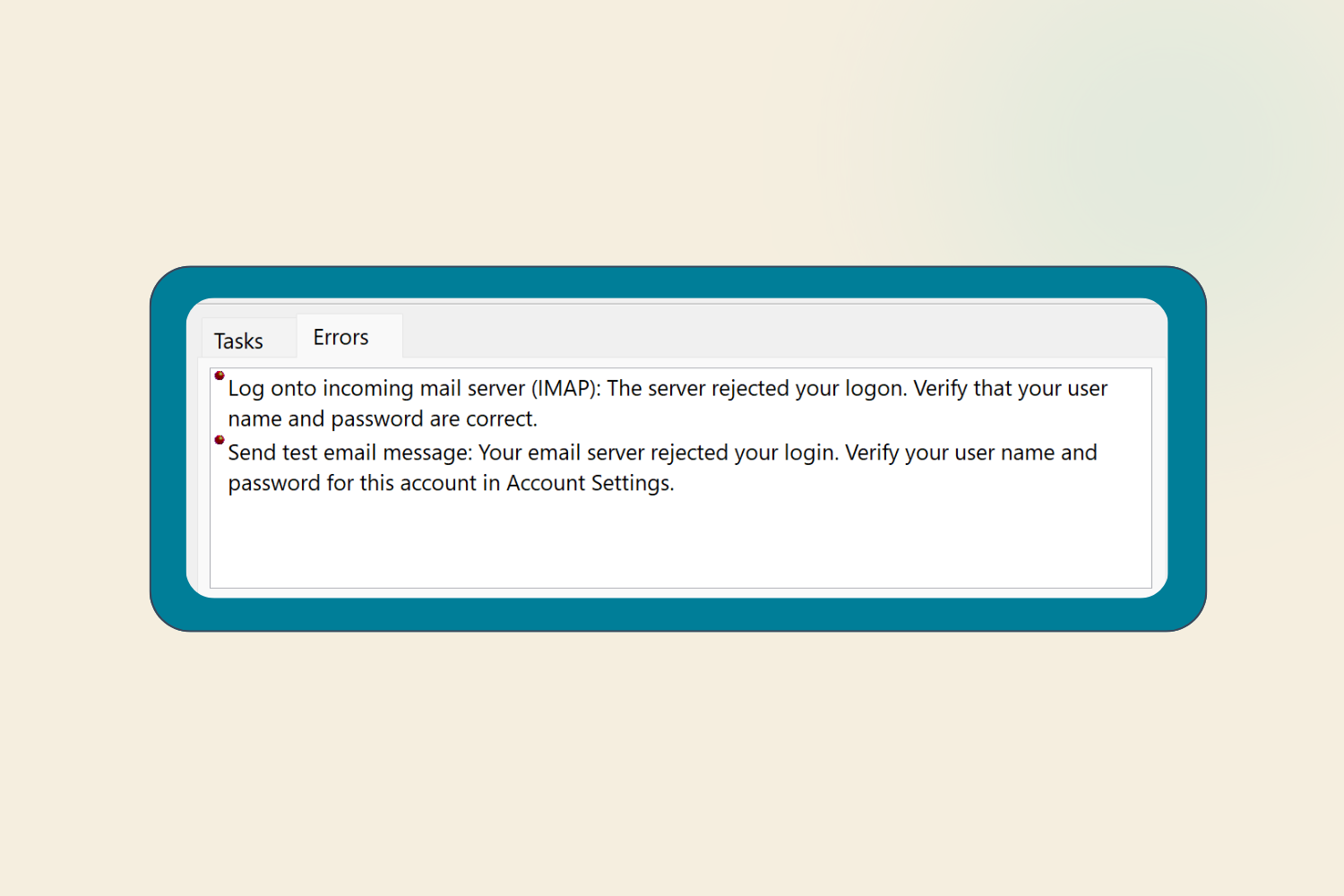
Email problems can come from several different places — DNS, mail server settings, your local email client, mailbox status, or spam filtering. This guide walks through the most common causes in the order they're usually worth checking.
First: Identify the Type of Problem
Before troubleshooting, work out exactly what's failing:
- Can't send, but can receive → usually an outgoing (SMTP) configuration or authentication issue.
- Can't receive, but can send → usually an incoming (IMAP/POP) setting or storage quota issue.
- Can't send or receive at all → often DNS, domain status, or account-level issue (suspended mailbox, expired domain, etc.).
- Emails bounce back → check the bounce message; it usually names the specific reason (see below).
Common Causes
Domain or DNS Issues
- Domain expired or suspended: If your domain has expired or is in a grace/redemption period, DNS may stop resolving, breaking email entirely.
- Recent DNS changes not yet propagated: DNS changes can take time to propagate — this is often mistaken for a broken configuration.
Incorrect Mail Client Settings
Double-check the settings in your email client (Outlook, Apple Mail, Thunderbird, mobile mail app, etc.):
- Incoming server (IMAP/POP) — correct hostname, port, and encryption (SSL/TLS).
- Outgoing server (SMTP) — correct hostname, port, encryption, and that authentication is enabled (most providers now require SMTP auth to prevent abuse).
- Username/password — especially after a recent password change.
Mailbox Storage Quota Exceeded
If a mailbox is full:
- Incoming mail will typically bounce back to the sender.
- Outgoing mail may still work in some configurations, but not always.
Account Suspended or Disabled
Mailboxes can stop working if:
- The hosting account or domain is suspended (e.g. unpaid invoice, policy violation, expired domain).
- The specific email account was disabled or deleted by an administrator.
Troubleshooting Checklist
- Confirm the issue is domain-wide or account-specific (test with a second mailbox on the same domain, if you have one).
- Confirm the domain isn't expired or suspended.
- Verify mail client settings (server, port, encryption, authentication).
- Check mailbox storage usage.
- Check bounce-back messages for a specific error/reason code.
- Check if the sending IP is blocklisted.
Still stuck? We'll sort you out.
Send us a message