
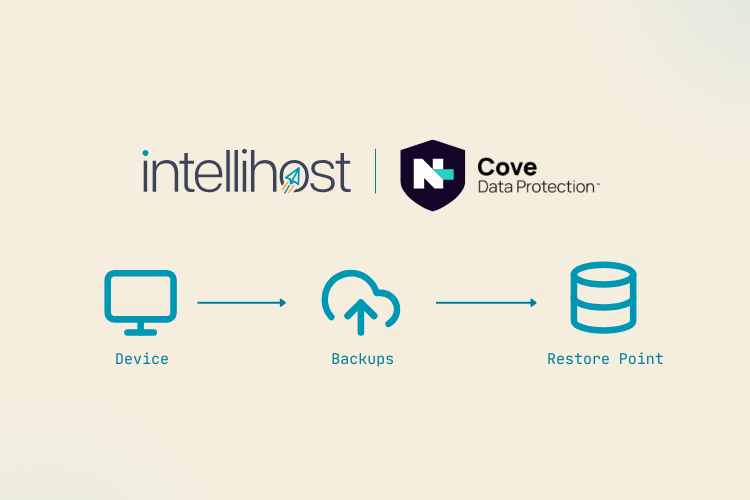
If you've lost a file, deleted an email by mistake, or need to roll something back to how it was on a specific day, we can restore it from your backups. Here's what we need from you, and what happens once you ask.
Device backups and restores are only applicable to clients using Cove or Redstor backup services
Website and email restores from server backups may incur an additional charge
The short version
Send us a message with what needs restoring and roughly when it last looked right, we'll take it from there. Most restores are handled the same day.
Before you start
Have these details ready. The more specific, the faster we can find the right version:
- What needs restoring: a file, a folder, a mailbox, an entire server, a website
- Where it lived: which computer, mailbox, or system it was on
- When it was last correct: a date, or even "sometime last week" is a start
- Why it needs restoring: deleted by accident, corrupted, overwritten, affected by ransomware
How to request a restore
- Send us a message: email, WhatsApp, or phone, with the details above
- We locate the backup point and confirm it with you before doing anything
- We run the restore: most single-file or mailbox restores are quick; full-server restores take longer, and we'll give you a time estimate upfront
- We confirm it's back and ask you to check it looks right
Restoring doesn't overwrite anything by default. Where possible, we restore alongside the current version so nothing is lost either way we'll confirm with you first if a direct overwrite is the only option.
What could go wrong
The backup point you need isn't available We keep a rolling window of daily backups rather than an indefinite history. Usually the retention policy is between 30 to 60 day options, this is something we do mention when setting you and your team up. Tell us the earliest date you think things were still correct. The sooner you ask, the better the chances it's still in range.
The restore is taking longer than expected Larger restores take time. If it's running past the estimate we gave you, send us a message and we'll check progress although we always have someone watching the progress and would keep you updated.
Still stuck? We'll sort you out.
Send us a message